
 Sample · page 1 of 4
Generated from the default questionnaire answers. Yours is rebuilt around your own household.
Smart Home Setup Checklist (Personalized)
Every smart home category — lighting, plumbing protection, security, electrical, climate, garage, pet tech, and more — matched to your ecosystem, home, and priorities, with real product recommendations to research.
- Printable PDF (8.5×11)
- Editable Excel / Google Sheets
- Ready seconds after checkout
- Download link on the thank-you page, plus a backup by email
- Secure checkout via Stripe
- Broken or not as described? We fix it or refund it within 14 days — refund policy
Want everything? The Complete Bundle includes this plus every other binder and personalized checklist we make, for $97.
Quick answer
How do I set up a smart home the right way?
Build it in 5 layers, in order: pick one platform (Apple Home, Google Home, Alexa, or Home Assistant), upgrade your network (mesh Wi-Fi plus a separate guest SSID for IoT devices), install a hub with Matter/Thread support, add devices room by room starting with lights and locks, then build 3-5 daily automations. A starter setup runs $500-$2,500.
How personalization works
This isn't a static PDF. After checkout you'll answer a short questionnaire, and we generate a printable PDF and an editable Excel workbook built around your answers.
- Step 1
Check out
Secure Stripe checkout. Your personalization link opens instantly on the thank-you page and is emailed to you as a backup.
- Step 2
Answer 13 questions
Takes about 3 minutes. Your answers auto-save — you can come back and change them any time during your 30-day window.
- Step 3
We generate your files
Personalization runs the moment you click Download — no waiting queue and no email delivery to wait on.
- Step 4
Download instantly
A printable PDF and an editable .xlsx workbook (opens in Excel or Google Sheets) download to your device. Regenerate any time.
What we ask you
- Which ecosystem you already use, if any (Apple, Google, Alexa, SmartThings, Home Assistant)
- Home type — detached, townhouse, condo, or cottage — and whether you have a garage or basement
- Which rooms to cover, plus outdoor / garage zones
- Your top priorities — lighting, security, climate, plumbing protection, Wi-Fi coverage, and more
- Pets in the home, for pet-tech recommendations
- Whether you have Wi-Fi dead zones today
What gets generated
- A full category-by-category plan — lighting, soffit lighting, Wi-Fi boosters, plumbing protection, electrical, security, blinds, garage, pet tech, network rack, and more
- A priority-ordered rollout plan built from what you said matters most
- An ecosystem-specific starter kit matched to Apple, Google, Alexa, SmartThings, or Home Assistant
- Automations to build first
- Ongoing maintenance & firmware routine
- Product recommendations for every category on your download page, so you can research and choose
What's included
- Personalized printable PDF
- Editable .xlsx file (Excel or Google Sheets)
- Every smart home category covered — not just lighting and a thermostat
- Priority-ordered rollout plan built around what matters most to you
- Ecosystem-specific starter kit (Apple, Google, Alexa, SmartThings, Home Assistant)
- Real product recommendations by category on your download page
Exactly what you'll receive
Every section of the printable PDF and every tab of the editable spreadsheet that arrives in your download.
Personalized printable PDF (8.5×11)
PDF sections
- Your rollout plan, in priority order
- Foundation — network & hubs
- Whole-home Wi-Fi coverage — indoor & outdoor boosters
- Lighting
- Room — Living room
- Room — Kitchen
- Room — Primary bedroom
- Room — Entryway
- Smart soffit & outdoor accent lighting
- Climate & energy
- Smart plumbing & water protection
- Smart electrical
- Security & access
- Smart blinds & window coverings
- Garage
- Fire, smoke & CO — smart upgrades
- Entertainment
- Home network rack — organizing all of this
- Your Google Home / Nest starter kit
- Automations & schedules worth setting up
- Review & maintain
Editable Excel workbook (.xlsx)
Workbook tabs
- ChecklistSection · Item · Done · Notes — one row per checklist item, ready to tick off or export.
Section titles adjust to your questionnaire answers — this is the default layout.
How your personalized smart home setup checklist works
Every category of smart home device, mapped to your ecosystem, your home, and your priorities — with real product recommendations for each.
A peek at your output
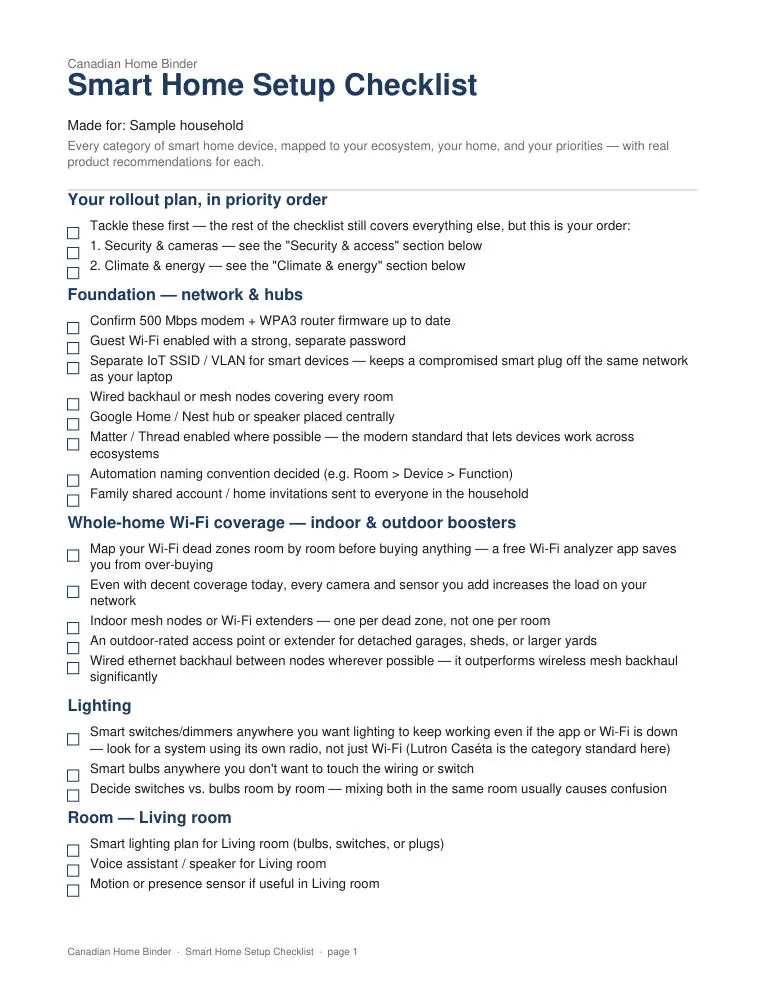
Sample from the "Your rollout plan, in priority order" section using default answers — your version reflects the details you enter.
Your rollout plan, in priority order
- Tackle these first — the rest of the checklist still covers everything else, but this is your order:
- 1. Security & cameras — see the "Security & access" section below
- 2. Climate & energy — see the "Climate & energy" section below
Who it's for
Households planning a smart home rollout — every category from lighting to plumbing protection to network gear, matched to your ecosystem, your home, and your priorities, with real product recommendations to research.
How it helps
Most smart home checklists cover lighting, a thermostat, and a camera. This one covers every category: Lutron-style lighting, indoor and outdoor Wi-Fi boosters, smart soffit lighting, a smart water shutoff and leak sensors, sump pump monitoring, smart electrical panels, HVAC and vents, security cameras and locks, motorized blinds, garage door control, pet tech, a home network rack to organize it all, and smart hardwired smoke/CO detectors that stay compatible with your existing interconnect wiring. Tell us which ecosystem you already use (Apple, Google, Alexa, SmartThings, Home Assistant, or none yet), your home type, and what matters most to you, and get a priority-ordered rollout plan plus an ecosystem-specific starter kit. Your download page also includes real product recommendations for every category, grouped and linked, so you can research and choose for yourself.
Common questions
Build it in 5 layers, in order: pick one platform (Apple Home, Google Home, Alexa, or Home Assistant), upgrade your network (mesh Wi-Fi plus a separate guest SSID for IoT devices), install a hub with Matter/Thread support, add devices room by room starting with lights and locks, then build 3-5 daily automations. A starter setup runs $500-$2,500.
Related reading
Related binders
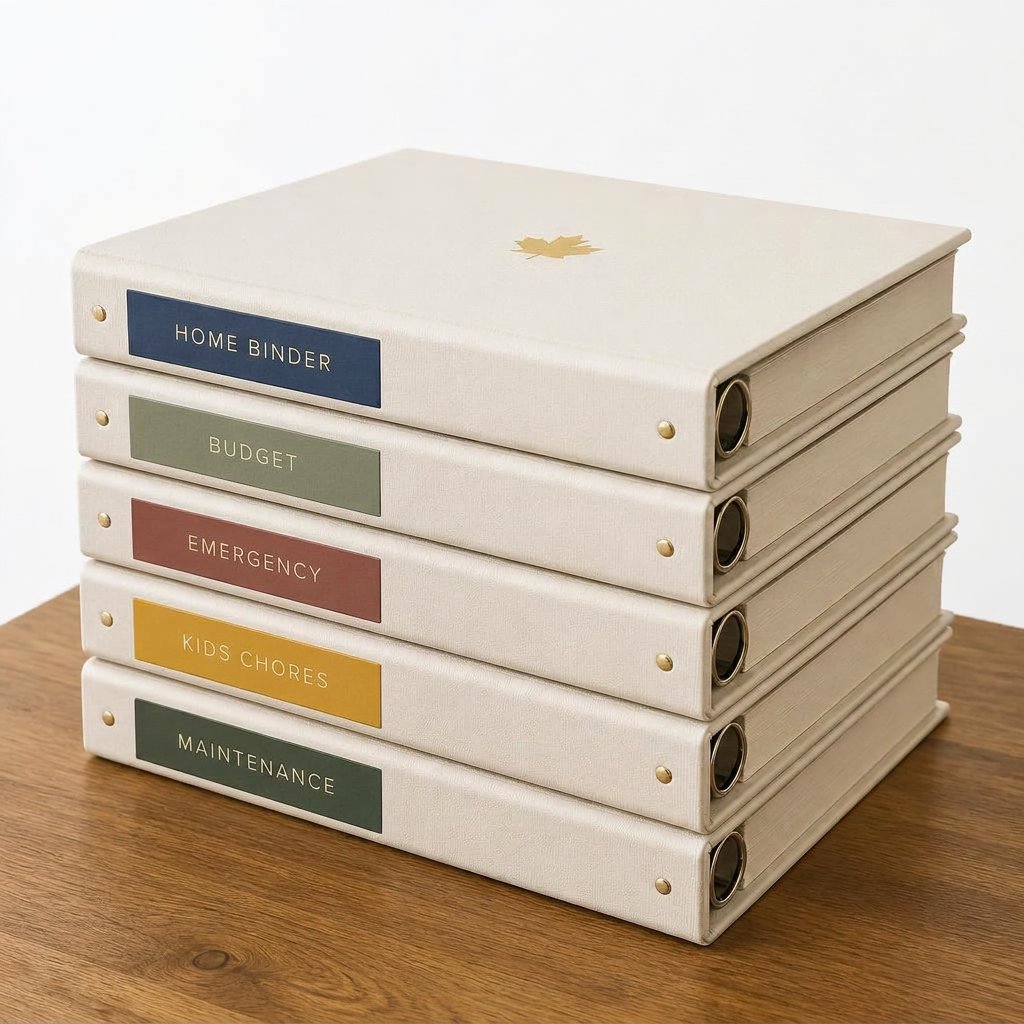
Complete Canadian Life Admin Bundle
Get every binder and every personalized checklist we offer. Your bundle includes personalized versions built around your household, plus the original ready-to-use binder PDFs.
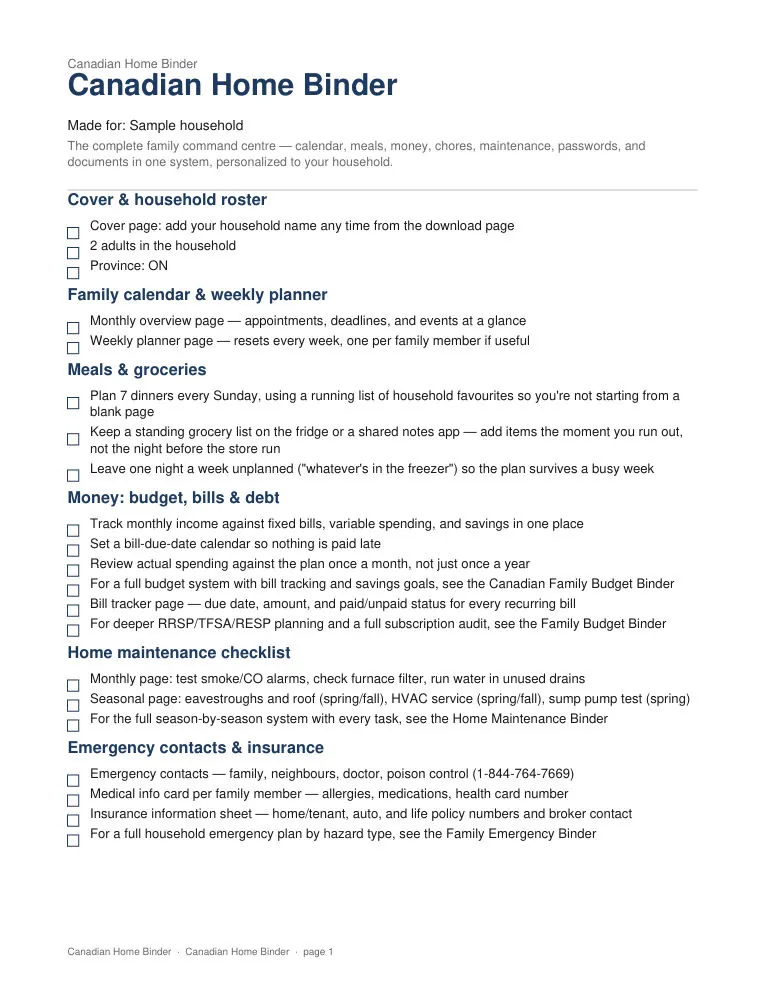 Sample page 1 of 2
Canadian Home Binder
The complete printable and digital family command centre for Canadian households — calendar, meals, budget, chores, maintenance, and a birthdays & gift tracker in one system.
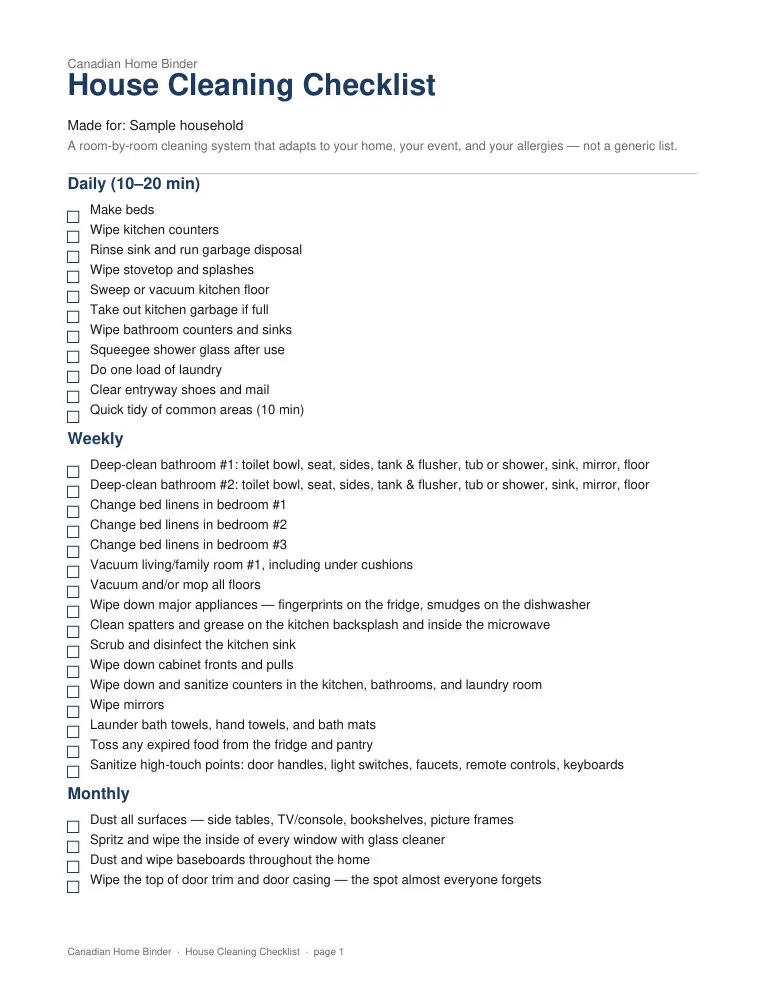 Sample page 1 of 3
House Cleaning Checklist (Personalized)
Tell us your rooms, pets, allergies, and what the cleaning push is for — everyday routine, guests, selling, or a move. We generate a printable PDF and editable Excel/Google Sheets checklist made for your household.